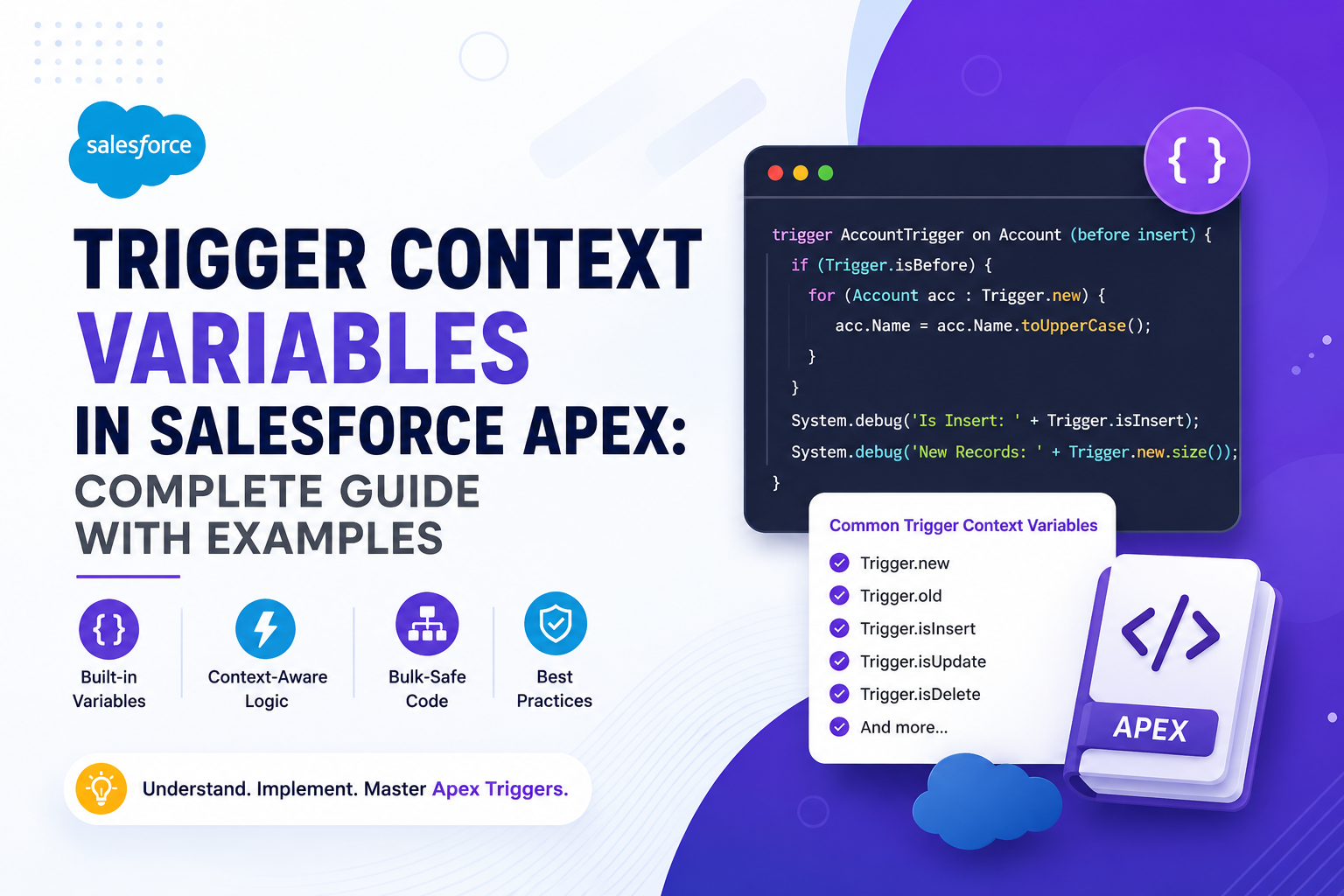
Apex Triggers fire automatically when records are inserted, updated, deleted, or undeleted in Salesforce. But a trigger on its own doesn't know what just happened — it needs context. That's exactly what Trigger Context Variables provide. They tell your trigger what operation is running, which records are involved, and what the data looked like before and after the change. Without them, you couldn't write logic that behaves differently on insert vs. update, or detect whether a specific field was modified. This guide covers all 10 trigger context variables with clear explanations, code examples, and a reference table.
📌 What Are Trigger Context Variables?
Trigger Context Variables are special built-in variables that Salesforce automatically populates whenever a trigger executes. They are only accessible inside a trigger body and provide two types of information: the nature of the event (what operation is happening and whether it's before or after the save), and the records involved in that event (new values, old values, or both).
There are 10 trigger context variables in total, split into two groups: Boolean variables that describe the event, and data variables that provide access to the records.
📋 Quick Reference: All 10 Context Variables
| Variable | Type | Description | Available In |
|---|---|---|---|
| Trigger.isInsert | Boolean | True when the operation is an insert | insert |
| Trigger.isUpdate | Boolean | True when the operation is an update | update |
| Trigger.isDelete | Boolean | True when the operation is a delete | delete |
| Trigger.isUndelete | Boolean | True when a record is restored from the Recycle Bin | undelete |
| Trigger.isBefore | Boolean | True when the trigger runs before the record is saved | before insert, before update, before delete |
| Trigger.isAfter | Boolean | True when the trigger runs after the record is saved | after insert, after update, after delete, after undelete |
| Trigger.new | List | List of new or updated record versions | insert, update, undelete |
| Trigger.old | List | List of old record versions before the change | update, delete |
| Trigger.newMap | Map | Map of Id to new record versions | before update, after insert, after update, after undelete |
| Trigger.oldMap | Map | Map of Id to old record versions | update, delete |
| Trigger.size | Integer | Total number of records in the current trigger invocation | all events |
🔍 Boolean Context Variables
Boolean context variables return true or false and tell you what kind of operation triggered the code. They are typically used in if conditions to route logic appropriately — especially in a single trigger that handles multiple events.
Trigger.isInsert
Returns true when a new record is being inserted. Use this to apply logic that should only run on record creation.
trigger AccountTrigger on Account (before insert) {
    if (Trigger.isInsert) {
        for (Account acc : Trigger.new) {
            acc.Description = 'New Account Created';
        }
    }
}
Trigger.isUpdate
Returns true when an existing record is being modified. This is commonly combined with Trigger.oldMap to detect which fields actually changed.
trigger AccountTrigger on Account (before update) {
    if (Trigger.isUpdate) {
        for (Account acc : Trigger.new) {
            acc.Description = 'Account Updated';
        }
    }
}
Trigger.isDelete
Returns true when a record is being deleted. In a before delete context, you can still access Trigger.old to inspect or block the deletion.
trigger AccountTrigger on Account (before delete) {
    if (Trigger.isDelete) {
        for (Account acc : Trigger.old) {
            if (acc.Type == 'Customer') {
                acc.addError('Customer accounts cannot be deleted.');
            }
        }
    }
}
Trigger.isBefore
Returns true when the trigger is running before the record is committed to the database. This is the correct context to modify field values on Trigger.new, since the record hasn't been saved yet — changes are written automatically when the transaction completes.
trigger AccountTrigger on Account (before insert) {
    if (Trigger.isBefore) {
        for (Account acc : Trigger.new) {
            if (acc.Phone == null) {
                acc.Phone = '000-000-0000';
            }
        }
    }
}
Trigger.isAfter
Returns true when the trigger runs after the record has been saved. At this point, records have their final Id values assigned, making this the right context for creating related records, sending emails, or triggering further automation.
trigger AccountTrigger on Account (after insert) {
    if (Trigger.isAfter) {
        List<Contact> contacts = new List<Contact>();
        for (Account acc : Trigger.new) {
            contacts.add(new Contact(
                LastName = 'Default Contact',
                AccountId = acc.Id
            ));
        }
        insert contacts;
    }
}
📦 Data Context Variables
Data context variables give you direct access to the records being processed. These are the most frequently used variables in any trigger, and understanding the difference between them is essential for writing correct logic.
Trigger.new
A List of the new or updated versions of records in the current transaction. On insert, these are the records being created. On update, these are the records with their new (modified) values. In a before context, you can directly assign values to fields on these records — no DML needed.
trigger AccountTrigger on Account (before insert) {
    for (Account acc : Trigger.new) {
        System.debug('Inserting: ' + acc.Name);
    }
}
Trigger.old
A List of the old versions of records — the state they were in before the current operation. Available on update and delete. On update, it holds pre-change values. On delete, it holds the records being removed.
trigger AccountTrigger on Account (before update) {
    for (Account oldAcc : Trigger.old) {
        System.debug('Previous name: ' + oldAcc.Name);
    }
}
Trigger.newMap
A Map of record Id to new record version. This provides O(1) lookup speed when you need to access a specific record by Id — much more efficient than iterating through Trigger.new. Commonly used when processing related records that reference the trigger records by Id.
trigger AccountTrigger on Account (after insert) {
    Map<Id, Account> accMap = Trigger.newMap;

    // Quickly access a specific record by Id
    Account acc = accMap.get(someAccountId);
}
Trigger.oldMap
A Map of record Id to old record version. The most common use is comparing old and new field values to detect whether a specific field changed — a pattern that avoids running logic unnecessarily when unrelated fields were modified.
trigger AccountTrigger on Account (before update) {
    for (Account acc : Trigger.new) {
        Account oldAcc = Trigger.oldMap.get(acc.Id);

        if (acc.Phone != oldAcc.Phone) {
            System.debug('Phone changed from ' + oldAcc.Phone + ' to ' + acc.Phone);
        }
    }
}
Trigger.size
Returns the total number of records being processed in the current trigger invocation. Useful for debugging and for understanding bulk context — Salesforce can process up to 200 records per trigger invocation in bulk operations.
trigger AccountTrigger on Account (before insert) {
    System.debug('Records in this batch: ' + Trigger.size);
}
🔄 Real-World Example: Detect Multiple Field Changes
Here's a practical trigger that combines Trigger.new, Trigger.oldMap, and Trigger.isUpdate to detect changes on two fields simultaneously and take action only when something relevant actually changed.
trigger AccountTrigger on Account (before update) {

    if (Trigger.isUpdate) {
        for (Account acc : Trigger.new) {

            Account oldAcc = Trigger.oldMap.get(acc.Id);

            Boolean phoneChanged = acc.Phone != oldAcc.Phone;
            Boolean nameChanged  = acc.Name  != oldAcc.Name;

            if (phoneChanged || nameChanged) {
                acc.Description = 'Key fields updated on: ' + System.today();
            }
        }
    }

}
This pattern — comparing Trigger.new values against Trigger.oldMap — is one of the most important and frequently used patterns in Salesforce trigger development. It keeps your logic efficient by ensuring it only runs when the data you care about has actually changed.
✅ Best Practices
| Best Practice | Why It Matters |
|---|---|
| Use Trigger.new instead of SOQL to access records | Avoids consuming a SOQL query — the records are already in memory |
| Use Trigger.newMap / Trigger.oldMap for lookups | Map lookups are O(1) — far faster than looping through a list |
| Always write bulk-safe code | Triggers can process up to 200 records at once — never assume a single record |
| Use Boolean variables to route logic | A single trigger per object can handle all events cleanly using isInsert, isUpdate, etc. |
| Delegate logic to handler classes | Keep triggers thin — move business logic to a separate TriggerHandler Apex class |
| Only compare fields you care about | Use oldMap comparisons to avoid running unnecessary logic on every update |
🏁 Final Thoughts
Trigger Context Variables are the foundation of every well-written Apex trigger. They tell you what's happening, who's involved, and what changed — without any additional queries or processing. Mastering these variables means you can write triggers that are precise, efficient, and bulk-safe. If you're new to triggers, start with Trigger.new, Trigger.old, and Trigger.oldMap — those three alone cover the majority of real-world trigger logic. Layer in the Boolean variables for clean event routing, and you'll have everything you need to build reliable, scalable automation on the Salesforce platform.